Showing posts with label malware. Show all posts

Wednesday, 27 November 2019

13 Vital Malware Warning Signs to look out for on your PC!

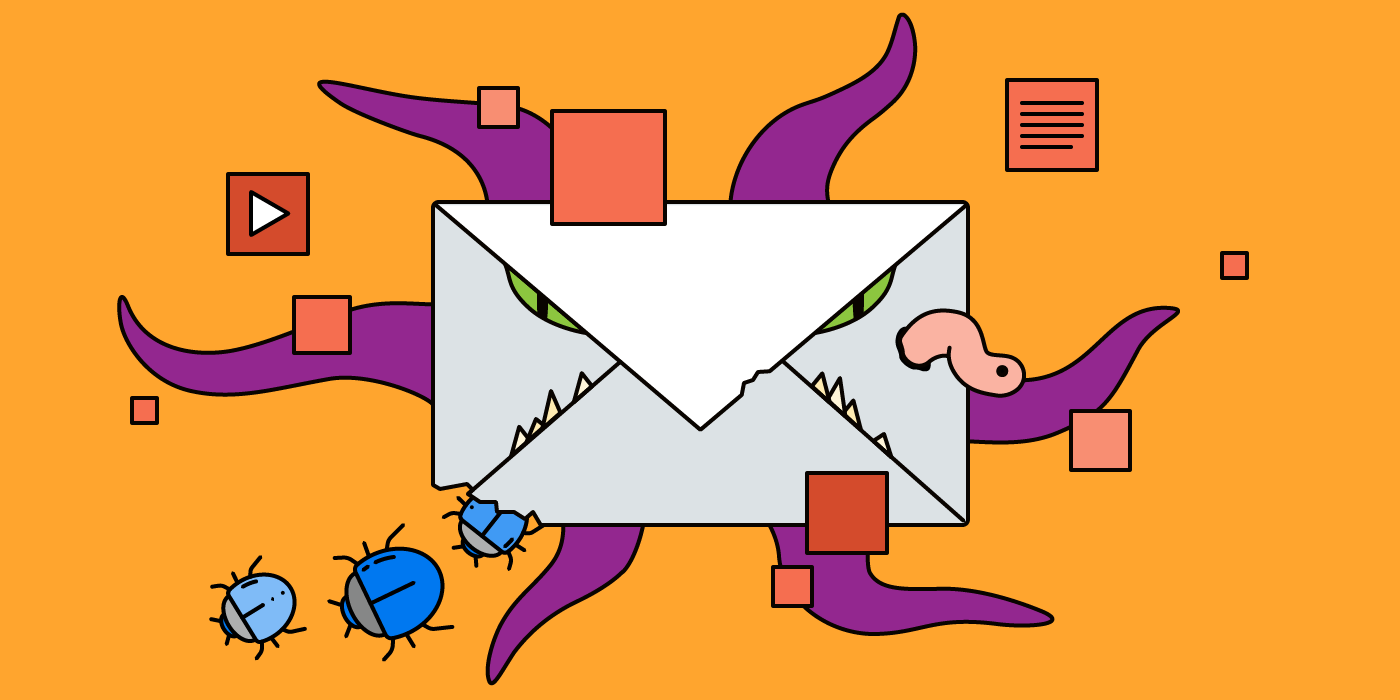
Imagine you’re working on something important and all of a sudden you start seeing multiple pop-up ads, plus your files or apps are taking ages to load. You start to ask yourself, is my computer infected with malware? It can happen to anyone of us, so always be extra careful!


If your computer starts acting up, it could be compromised with a virus or malware; however, this is just one of the many warning signs that could mean that your computer is infected. This is why it is vital to take action as quick as possible.

Here are the 13 most common warning signs of a malware infection on your computer.

1. Your computer is running slowly and your apps and files take longer to load than usual.

2. You keep getting blasted with pop-up ads or strange messages on your computer.

3. Your computer keeps crashing and/or it freezes and the blue screen of death appears.

4. You start getting this message on a regular basis, “you’re running out of disk space on Windows.”

5. You notice that when you start up your computer the network activity increases suspiciously.

6. Your homepage changes and you don’t remember doing it yourself.

7. Your computer is acting strange, like programs opening and closing, random shutting down, unusual messages, etc.

8. You’re getting messages saying that your antivirus software has been disabled.

9. Your friends are telling you that they’re getting random, strange messages from you on Facebook or other social media networks.

10. You notice that your desktop has new, unfamiliar icons that you do not recognize.

11. You start to see some unusual error messages appearing on your computer.

12. You can’t access your Control Panel on your computer.

13. Everything is working perfectly fine on your computer, but you’re paranoid and still want to check for malware. When it comes to protecting your data, it is vital to be a bit paranoid! The best way to protect your computer is to install a reliable security solution and do regular backups.

If you want to learn more about malware or any of our other services including open-source intelligence, digital forensics and IT support and solutions, please call 021 110 0422 or visit our websites www.osint.co.za | www.tcgforensics.co.za | www.tcgza.co.za

Tuesday, 16 July 2019

The Top 4 Malicious File Attachments to look out for

Billions of messages are sent out every day by spammers, most of it is annoying advertising and harmless in general, but every now and again there is a dangerous file attachment in one of the messages!

Related image

To trick you into opening the attachment, most spammers will pretend it is something useful or important such as a Word document, gift card, a PDF, etc.

Here are the top 4 dangerous file attachments to look out for…

1. ZIP and RAR archives – Cybercriminals like to use archives to hide the malware they are trying to send you! On Valentine’s Day this year attackers were sending out files named Love_You_0899 to people into clicking them and installing ransomware.

2. Microsoft Office documents – Word documents as well as Excel spreadsheets are some of the most popular Microsoft Office files cybercriminals love to use. Most of the time, they will target office workers and disguise the malware files as urgent messages, contracts or bills.

3. PDF files – A lot of people know about Microsoft Office booby traps, but not much about PDF files. Cybercriminals are fond of concealing malware in PDF files because it can be used to create and run JavaScript files as well as phishing links in the documents.

4. ISO and IMG disk images – These files are rarely used however lately cybercriminals have been using these files to spread malware. Attackers will use the disk images to deliver malware to a victim’s computer by putting a malicious executable file inside the image.

Do not be fooled by file attachments that seem to be an amazing offer, important PDF or urgent  message!

Never open suspicious emails from email addresses you do not know and always use a the right security tools that will notify you of any dangerous files and notify you of them.

Related image

Do you feel unsafe? Be sure to contact OSINT | Open-Source Intelligence on 021 110 0422 or email contact@osint.co.za otherwise learn more on www.osint.co.za

Wednesday, 24 January 2018

How to know if your Phone has been Hacked

Are you worried that someone might have hacked into your cell phone? Don’t worry you’re not alone! There are hackers all over the world who are looking to hack into your phone and invade your privacy.

Related image

If you suspect that your phone has been hacked, here’s how to check…

  • Your battery is going dead a lot quicker than usual
  • Your phone always feels warm
  • You are going through a lot of data lately
  • There are pop-up notifications everywhere
  • Unauthorized purchases on your credit card or posts on Facebook or Twitter
  • Your phone shutdowns for no reason
  • You’re having issues with echoing during calls


Here’s how to avoid contracting spyware…

  • Don’t click on strange links
  • Lock your phone at all times and use a PIN
  • Only download apps from secure sources
  • Be careful when buying a second-hand phone

Your cell phone is the perfect spying device – it allows hackers to listen, track and view everything you do without you realising it.

Related image

Remove all traces of any spyware or malware from your cell phone with our affordable, effective cell phone debugging services. Contact TCG Digital Forensics and secure your cell phone today. Email contact@tcgforensics.co.za or call 087 001 0523 | 087 001 0511/2