Wednesday, 21 December 2016

Avoid Cyber-Fraud this Holiday Season

Getting your Christmas shopping done online is becoming the norm these days. Not only is it easy and convenient, but you also won’t have to deal with the horrible crowds, traffic and crazy long lines!

However, it also excites criminals who are lurking online, waiting to scam people.

Image result for cyber fraud

DLA has put together five tips to keep you safe this holiday season:

>> know the scams

Never open links or emails from strange email addresses. It’s always best to question emails and double check if they are actually legit, such as your bank.

Stay safe online by reading up on the latest scams and avoid becoming a victim of cyber-fraud.

>> install a firewall

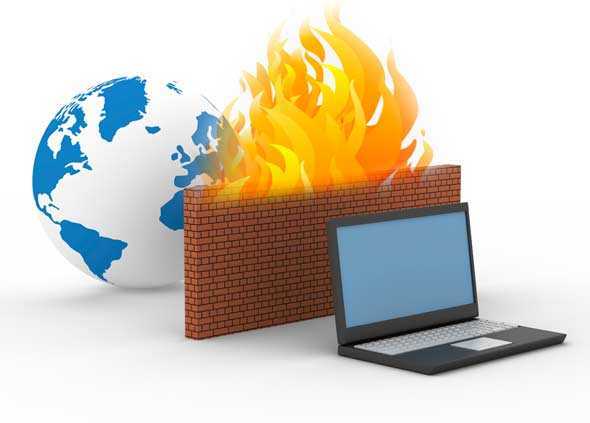
A firewall isn’t always 100 percent safe, but it is a much-needed layered security.  The software filters and keeps you safe from malware and downloads.

Windows offers a built-in firewall, but if you are looking for something else there are some great free firewall software suites online.
Related image

>> choose a strong password

If you use the most commonly known passwords out there – password, qwerty, 123456789 – then don’t be surprised when hackers take control.

It is best to try add numbers, capital letters, special characters and always use different passwords for different accounts.

>> check the URL

When shopping online, always check the URL of the website you’re on. Safe online sites will have a little green lock in the address bar which shows you that your personal data will be protected.

Always keep an eye out for the green padlock to ensure your safety online.
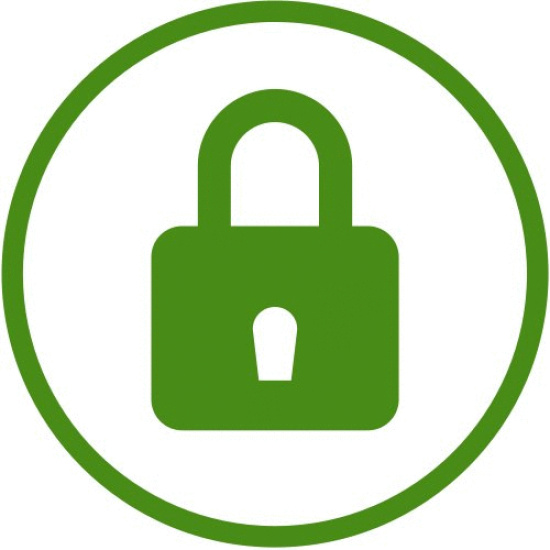
Image result for green lock URL

>> back up your data on a regular basis

Ransomware can be vicious and aggressive, so regular data backups should always be a part of your cyber-security strategy.

It is easier to restore your device to a previous backup, than pay an exorbitant ransom amount to unlock your data, which most of the time doesn’t even work!


Cyber-fraud is a global problem with attacks happening daily and Christmas is no exception. Identity theft, banking fraud and malware are common place in today’s digital society. Criminals seek out opportunities every day of the year to defraud you, so be vigilant this festive season and keep an eye out for any fraudulent behaviour online!

Wednesday, 30 November 2016

How to Keep your Smartphone Secure

Your smartphone is no different to your property or house when it comes to safety – you have to use common sense!

Image result

Here are eight easy tips on how to keep your smartphone safe and secure:

      1.       Use a password
Always set up a password, pin or pattern to be able to access your phone. For Android: go to Location & Security. For iOS: go to Settings -> Touch ID & Passcode.

      2.       Only download from trusted stores
Use places like Google Play and the App Store to download your games and apps. Also make sure to always read the ratings and reviews if they’re available.

      3.       Back up your data
Protect your information in case an attack happens by backing up your data. If your data ever gets lost, we can recover it. Contact the experts at DLA to get your data back!

      4.       Update your OS and apps
Most updates are just for new features, but sometimes they are also to up the security.

      5.       Log out!
If you do your banking or online shopping on your cellular device, always make sure to log out afterwards. Never keep your passwords and usernames on your phone and try to avoid using public Wi-Fi.

      6.       Turn off Wi-Fi and Bluetooth
You may think it’s just a way to connect to free Wi-Fi, but hackers can also use it to access your device and data.

      7.       Don’t give out personal info
That email you received that looks like it’s from your bank may be spam. If you get SMS’s or emails asking you to fill in your private info and login, always contact the business and confirm it is actually legit. 

Wednesday, 23 November 2016

6 Easy Steps to Keep your Data Safe

These simple steps can keep your data safe, whether it is on your work computer, personal laptop or smartphone. Malfunctions, cyber attacks and viruses can happen to anyone – if you’ve lost your precious data, we can recover it! Contact the experts at DLA today!

>> Use the right software to protect your data. Anti-malware is a must if you want to protect your computer!

>> Prevent viruses from attacking your PC and destroying your data by installing virus and spyware protection.

>> Stop viruses and malware from getting into your system by using a firewall to block dangerous programs.

>> Be wary when you receive emails from unknown sources. Never open an email attachment or clink on a link if you don’t know where the email came from.

>> Stay away from dodgy websites that might contain viruses.

>> Always keep your operating system up to date by installing any recent updates or fixes.

Related image


Wednesday, 26 October 2016

How a digital device becomes involved in a crime

Crimes committed using a digital device essentially employ a hi-tech method to carry out what is usually a traditional crime. Thus, crimes such as blackmail which traditionally evoke images of newspaper cuttings collaged together to create the archetypal ransom note nowadays employ computers to produce the ransom note, be it a printed document or an email.

Image result

Examples of other traditional crimes where a digital device has been applied include instant messaging, which can used to commit harassment; email, which is applied to commit fraud though 'phishing' scams; mobile phones to record assaults in what has come to be known as 'happy slapping' and then there are the peer to peer file sharing programs which have been used extensively to download and distribute pictures portraying pedophilia.

The list, it seems, is endless and so is the workload on any hi-tech crime unit to deal with such cases.

Not all crimes committed using a digital device use it as a means to an end. Hacking a computer system without authority is a crime targeted at the computer system itself. So to is a denial of service (DOS) attack on a websites or the intentionally distribution of a virus.


At DLA Digital Forensics, we combine the experience of two seasoned investigators with both criminal and civil backgrounds with the latest technologies to achieve the results that you require. From data recovery, recovery of chat history, digital suspect profiling and so much more - contact DLA today!

Wednesday, 12 October 2016

The Importance of a Strong Password

Too many people come to us in a frenzy complaining that either their data has been lost or stolen OR they simply cannot remember their password. When you don’t have a password you cant access or protect your files, on the other hand even if you do have a password you need to ensure it is 100% foolproof so you don’t end up being the victim!

Image result

DLA offers password recovery services for businesses and personal computer users, using only the latest technologies to achieve the password recovery results you need. Our forensic recovery service includes recovering passwords from zipped files, word documents, excel files and of course logon profiles on computers.

We are able to access what cannot be seen using the latest forensic technology. Using state of the art cellular forensics tools we are also able to bypass 98% of device passwords to read the device directly without needing to know the handsets logon or password. 

We can also perform cellular forensics as well as data recovery from laptops, computers, cell phones and media devices such as tablets.

Do not hesitate to contact DLA for professional and affordable services in Cape Town and the surrounding areas!


Wednesday, 21 September 2016

How Digital Devices are collected on a Crime Scene

As anyone who has dropped a cell phone in a lake or had their computer damaged in a move or a thunderstorm knows, digitally stored information is very sensitive and easily lost. There are general best practices, developed by organizations to properly seize devices and computers. 

Image result

Once the scene has been secured and legal authority to seize the evidence has been confirmed, devices can be collected. Any passwords, codes or PINs should be gathered from the individuals involved, if possible, and associated chargers, cables, peripherals, and manuals should be collected. 

Thumb drives, cell phones, hard drives and the like are examined using different tools and techniques, and this is most often done in a specialized laboratory.

First responders need to take special care with digital devices in addition to normal evidence collection procedures to prevent exposure to things like extreme temperatures, static electricity and moisture.

- Devices should be turned off immediately and batteries removed, if possible. Turning off the phone preserves cell tower location information and call logs, and prevents the phone from being used, which could change the data on the phone. In addition, if the device remains on, remote destruction commands could be used without the investigator’s knowledge. Some phones have an automatic timer to turn on the phone for updates, which could compromise data, so battery removal is optimal.

- If the device cannot be turned off, then it must be isolated from its cell tower by placing it in a Faraday bag or other blocking material, set to airplane mode, or the Wi-Fi, Bluetooth or other communications system must be disabled. Digital devices should be placed in antistatic packaging such as paper bags or envelopes and cardboard boxes. Plastic should be avoided as it can convey static electricity or allow a build-up of condensation or humidity.


- When sending digital devices to the laboratory, the investigator must indicate the type of information being sought, for instance phone numbers and call histories from a cell phone, emails, documents and messages from a computer, or images on a tablet.

Image result

Computers and cellular devices have had an increasing role in modern crime, let the digital forensic experts at DLA follow the electronic trail to find and protect the digital evidence that you need.

Wednesday, 7 September 2016

What is Ikena Forensic and what can it do for you?

Image resultWould you like to see a video more clearly? Perhaps you need to clear up a video to see a criminal’s license plate number, or maybe the face of a thief you captured?

Here at DLA, we are now an Africa Exclusive Agent for Ikena Forensic, meaning that all those valuable details that you’ve been missing will now be revealed!

Unlike all the other video clarification software out there, Ikena Forensic applies multiple advanced algorithms to fix any issues that destroy the quality of the video.

Here are several of the patented algorithms that will help you get the most out of your video...

Super Resolution – Multiple frames of video are combined to recover details and remove noise.

Deinterlacing – 2x resolution is recovered with kernel regression deinterlacing.

Light & Contract – Uncovers details that you may have missed in your video.

Stabilization – Stabilizes shaky video from the most extreme cases with multiple frame stabilization.

The difference when we use the Ikena Forensic is clear – all the critical information that you were missing before is revealed!


Take a look at the videos below...


Contact us here for more information..info@cellularforensics.co.za or 082 886 8327 / 021 551 6222